
The App

Install the Glyvance app for the full program experience on your phone
Connect your CGM to view glucose trends alongside your meals. Use your phone's camera to log food quickly. Ask Vance, our AI nutrition coach, questions about meals and the program
Use your phone's camera to log food
Take advantage of Vance (our AI coach) to get advice.

The app is currently under review with the Apple App Store and Google Play. Review can take a few weeks. In the meantime, you can install it directly using the instructions below.
Android
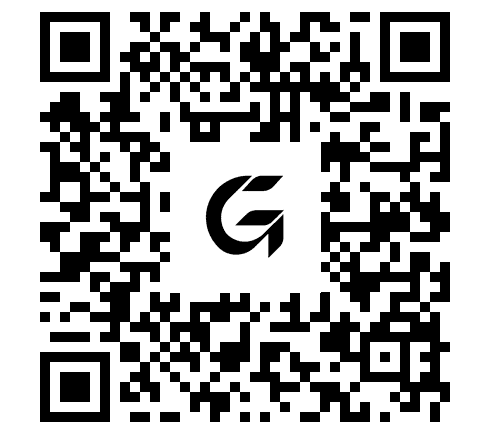
http://glyvance.medifoodz.com/apks
/glyvance_latest.apk
Open the link on your Android device, or scan the QR code. The download is an APK file you can install directly.
Android will show standard security warnings before installing apps from outside the Play Store. This is expected — tap through to continue. Once installed, sign in with the email you used to sign up.
Apple
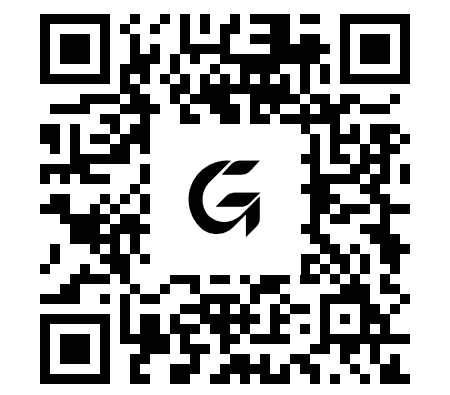
https://testflight.apple.com
/join/1MTTGNSH
The link installs TestFlight, Apple's official tool for pre-release apps, then installs Glyvance.
TestFlight delivers updates automatically as we work toward our App Store release.
Permissions, on your terms.
After installing, the app will request access to your camera (for food logging) and health data (for CGM readings and metrics).
You can review how we handle this information in our privacy policy.

Glyvance provides a structured nutrition plan. If you have a medical condition or take any medication, use with guidance from a licensed healthcare professional.